

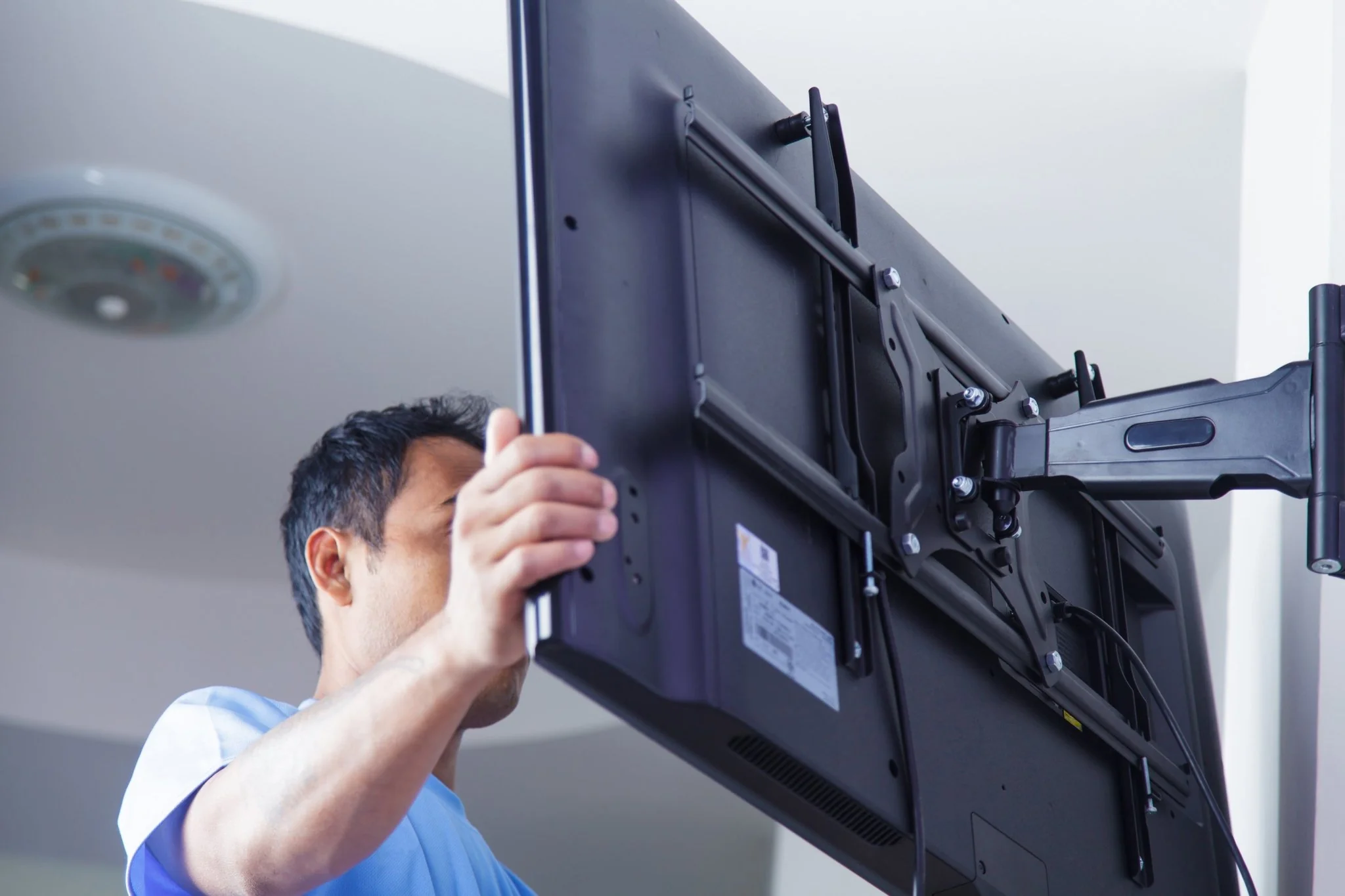
Installing a TV wall mount can transform your living room, bedroom, or home theatre into a modern, space-saving area. Whether you’re a DIY enthusiast or considering hiring a professional, understanding the basics of TV wall mount installation is essential. In this article, we’ll guide you through the process, tools required, and tips to ensure a secure and aesthetically pleasing setup.
Choosing the Right Wall Mount
Types of Wall Mounts
The first step in the installation process is selecting the appropriate wall mount for your TV. There are three main types of mounts:
- Fixed Mounts – are the simplest type, holding your TV flat against the wall. They are ideal for rooms where the TV is not angled or moved.
- Tilting Mounts – allow you to tilt the top of the TV forward to reduce glare or improve the viewing angle, which is particularly useful for higher wall placements.
- Full-Motion Mounts – Offering the most flexibility, these mounts let you pull the TV away from the wall and angle it in multiple directions. They are perfect for rooms with numerous viewing spots.
Factors to Consider
When choosing a mount, consider the size and weight of your TV, the flexibility you need in viewing angles, and the type of wall you will be mounting on (drywall, brick, etc.). Ensure the mount is compatible with your TV’s VESA (Video Electronics Standards Association) configuration, which refers to the distance between the mounting holes on the back of the device.
Preparing for Installation
Tools and Materials Needed
Before starting the installation, gather all necessary tools and materials:
- Stud finder
- Drill and bits
- Screwdriver
- Level
- Tape measure
- Pencil for marking
- Wall mounting kit (usually included with the mount)
Finding the Right Spot
Decide where you want to mount your TV. Considerations should include the TV’s height, proximity to power outlets, and where viewers will be sitting. Use a stud finder to locate studs in the wall to anchor the mount securely. Mounting to studs rather than just the drywall is crucial to supporting the TV’s weight.
The Installation Process
Step-by-Step Guide
- Mark the Studs: Once you find the studs, use a pencil to mark where your mount will be placed. Ensure that it is centred and at the desired height.
- Attach the Mounting Bracket to the TV: Lay your TV face down on a soft, flat surface. Align the mounting bracket with the TV’s mounting holes, and secure it with the provided screws.
- Mount the Wall Plate: Hold it against the wall, aligning it with your marks. Use a level to ensure it is perfectly horizontal. Mark the drill holes using the plate as a guide.
- Drill the Holes: Pre-drill the holes where you’ve made your marks, ensuring you are drilling into the studs.
- Secure the Wall Plate: Attach the wall plate to the wall using the bolts and screws provided in your kit. Ensure that it is tight and secure.
- Hang the TV: With the help of another person, lift the TV and hook it onto the mounted wall plate. Make sure it is securely in place.
- Final Adjustments: Depending on the type of mount, make the necessary adjustments to the angle and position of the TV. Tighten any bolts or screws to lock the TV in the desired position.
Safety Tips
- Always follow the manufacturer’s instructions for the mount.
- Ensure the TV and mount are adequately secured to prevent accidents.
- Use tools safely, especially when drilling or handling heavy objects.
Final Touches and Maintenance
After completing your TV wall mount setup, take care of cable management to keep the installation neat. You can use cable ties or a cable management box to keep cords organised and out of sight. Periodically check the mount to ensure it remains secure and tighten any necessary bolts.
Conclusion
TV wall mount installation can significantly enhance your viewing experience by providing a clear, comfortable view while saving space. By following the proper steps and taking necessary precautions, you can achieve a professional-looking setup that adds to your room’s aesthetics and provides a safe and enjoyable viewing environment. Whether you’re an experienced DIYer or a first-timer, properly installing your TV wall mount will pay off in the long run.
